Transparent clock and weather
Advertisement
Overview
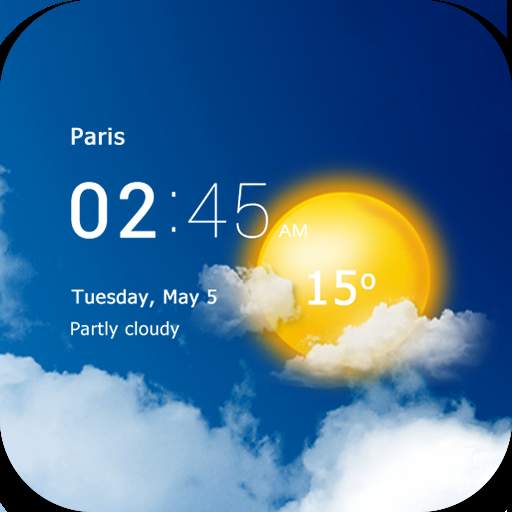
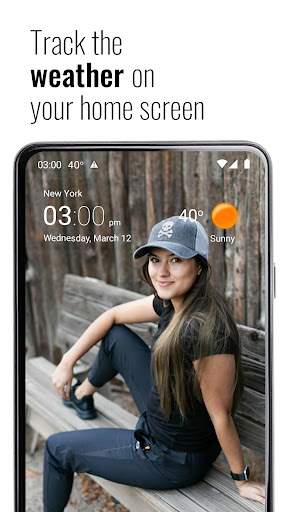
Transparent Clock and Weather is a versatile app that displays the current time and weather information on your screen in a transparent and stylish manner. Stay informed about the weather conditions while also having a sleek clock widget on your device's home screen.
Get the app
All link sources on this site are jumped to App Store, Google Play and other official platforms. No virus, no malware.
Select a PlatformAdvertisement
Screenshots
Description
Transparent Clock and Weather is a versatile and user-friendly app that provides you with accurate and detailed weather information along with a customizable transparent clock widget. Whether you are planning your day, checking the weather for your upcoming trip, or simply want to stay informed about the current weather conditions, this app has got you covered.
One of the standout features of Transparent Clock and Weather is its sleek and transparent design, allowing you to place the clock widget on your home screen without obstructing your wallpaper or other app icons. The transparency of the widget adds a modern and stylish touch to your device while providing you with essential weather updates at a glance.
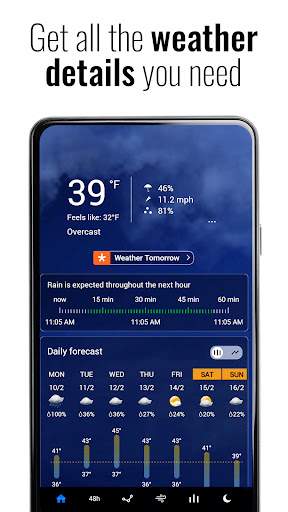
The app offers a wide range of weather information, including current temperature, real-feel temperature, humidity, wind speed, sunrise and sunset times, and more. You can customize the widget to display the information that is most relevant to you, ensuring that you have all the details you need to plan your day effectively.
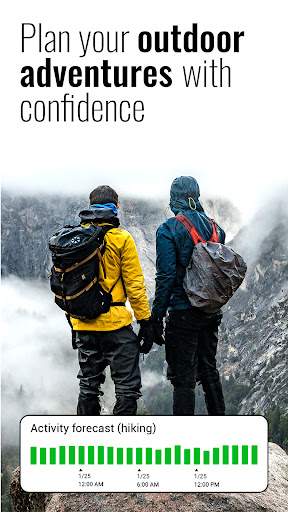
In addition to the basic weather information, Transparent Clock and Weather also provides extended forecasts for the upcoming days, so you can stay prepared for any changes in weather conditions. You can view detailed forecasts for multiple locations, making it easy to keep track of the weather in your current location as well as any other places you are interested in.
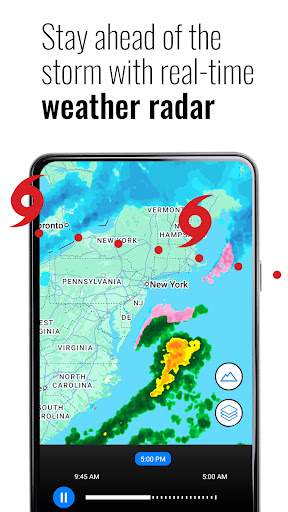
The app also includes interactive radar maps, so you can see real-time weather patterns and track storms in your area. This feature is especially useful for users who want to stay informed about severe weather events and plan their activities accordingly.
Transparent Clock and Weather is highly customizable, allowing you to personalize the app to suit your preferences. You can choose from a variety of widget styles, themes, and icon sets to create a look that matches your device's aesthetic. Whether you prefer a minimalist design or a more colorful and vibrant display, the app offers plenty of customization options to cater to your taste.
Overall, Transparent Clock and Weather is a must-have app for anyone who wants to stay informed about the weather while adding a touch of style to their device. With its transparent clock widget, detailed weather information, customizable features, and interactive radar maps, this app is a comprehensive weather tool that combines functionality with aesthetics. Stay ahead of the weather with Transparent Clock and Weather and make sure you are always prepared for whatever nature has in store.
Advertisement
System Compatibility
Make sure the app is compatible with your device. The app is available on both Android and iOS platforms. Check if your device is running on the required version of the operating system. Performance may fluctuate based on device specifications.
Permission Access
The app may require certain permissions such as location access to provide accurate weather information. These permissions are necessary for the app to function properly and provide the best user experience.
Update Content
Recent updates include bug fixes, improved user interface, and updated weather data sources. We are constantly striving to enhance the app and provide the most accurate and reliable weather information to our users.
FAQ
How do I set up a transparent clock on the app?
To set up a transparent clock, go to the app settings and choose the transparent clock option.
Can I customize the weather display on the app?
Yes, you can customize the weather display in the settings of the Transparent Clock and Weather app.
Is it possible to change the transparency level of the clock widget?
Yes, you can adjust the transparency level of the clock widget in the app settings.
How can I view the extended weather forecast on the app?
To view the extended weather forecast, simply tap on the weather widget on the Transparent Clock and Weather app.
Does the app support multiple locations for weather updates?
Yes, you can add multiple locations to receive weather updates for different places in the Transparent Clock and Weather app.