TP-Link Tether
Advertisement
Overview
TP-Link Tether is a mobile app designed to manage and control your TP-Link routers and range extenders from your smartphone or tablet. Easily set up guest networks, monitor internet usage, and manage connected devices with this convenient app.
Get the app
All link sources on this site are jumped to App Store, Google Play and other official platforms. No virus, no malware.
Select a PlatformAdvertisement
Screenshots
Description
TP-Link Tether is a powerful and user-friendly mobile application designed to make managing your TP-Link routers and network devices easier than ever before. With this innovative app, users can seamlessly control and monitor their network settings from anywhere, providing ultimate convenience and peace of mind.
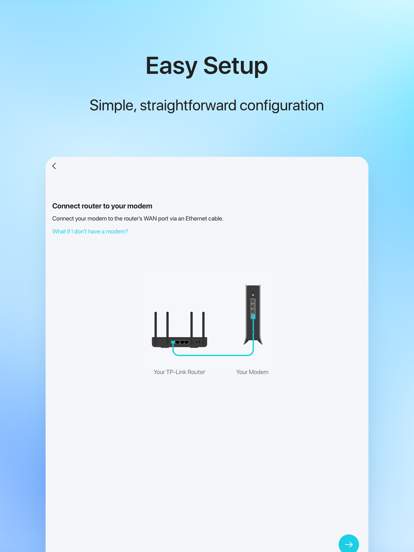
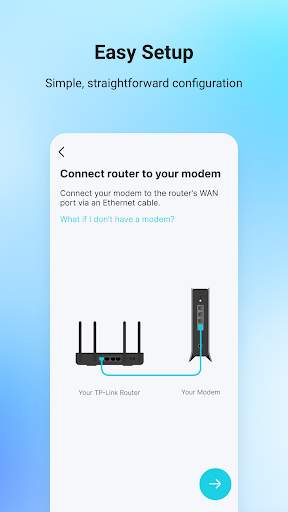
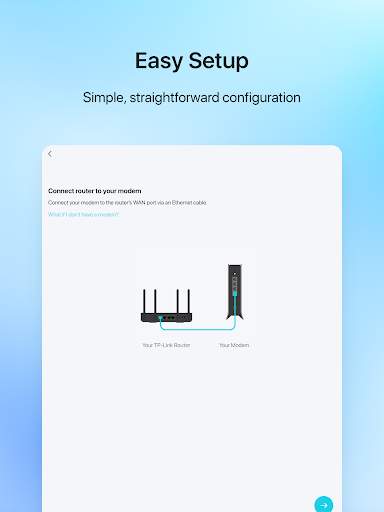
One of the key features of TP-Link Tether is its intuitive interface, which allows users to easily set up their routers, configure settings, and monitor network activity with just a few taps on their smartphones or tablets. Whether you're a tech-savvy user or a beginner, this app provides a hassle-free experience for managing your home or office network.
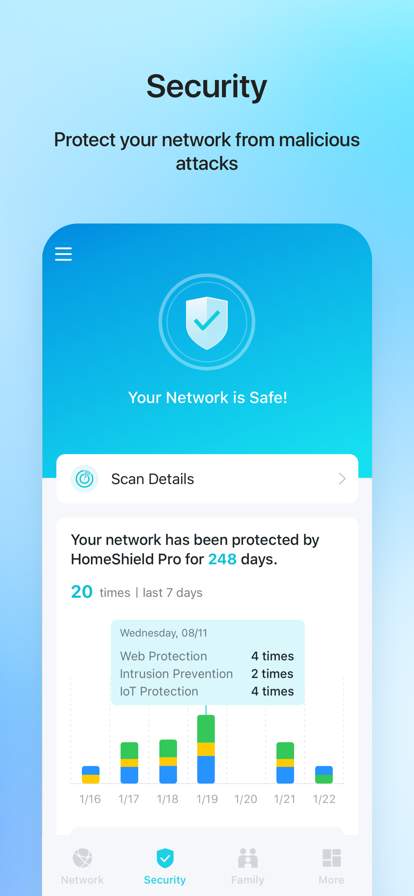
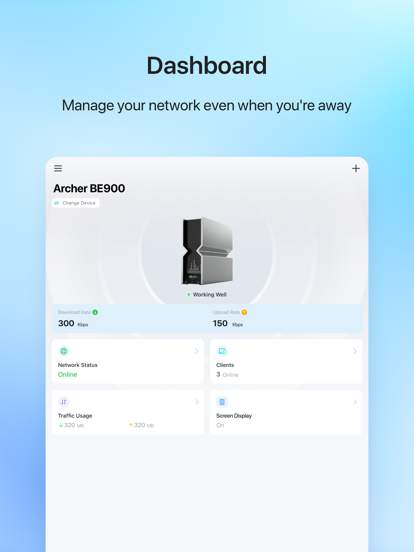
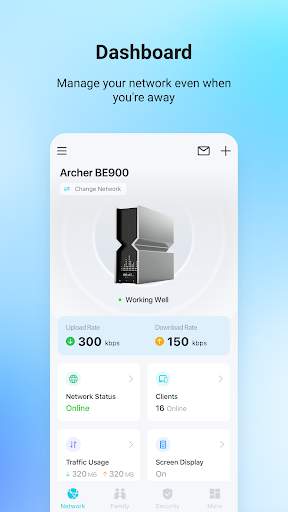
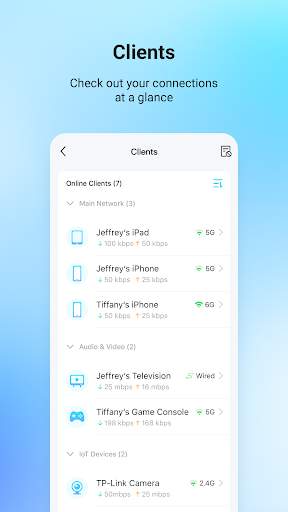
With TP-Link Tether, users can quickly access important information about their network, such as connected devices, internet speed, and data usage. This real-time monitoring feature enables users to stay informed about their network performance and make adjustments as needed to optimize their connection.
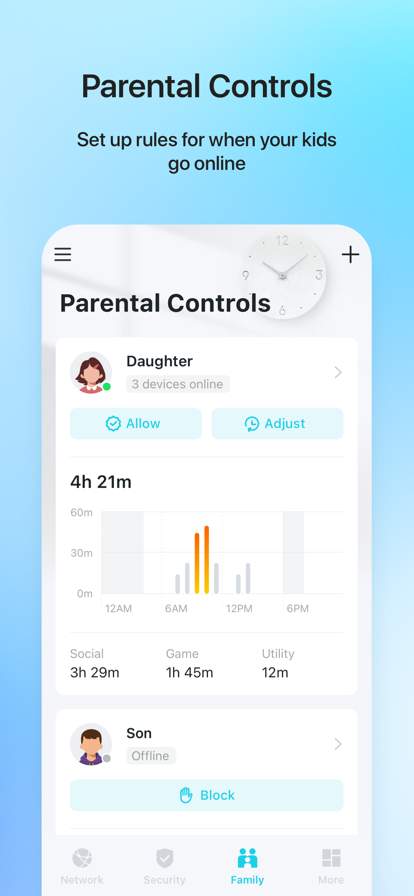
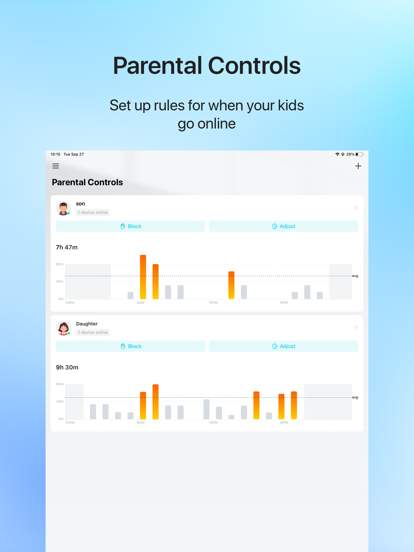
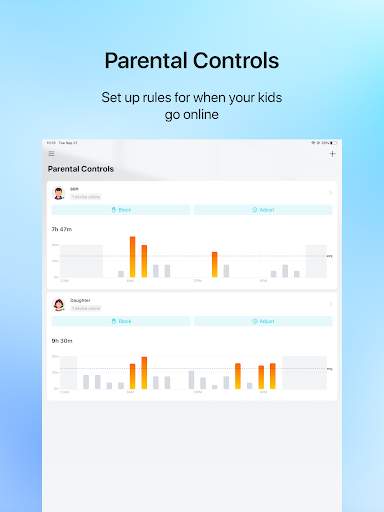
In addition to monitoring network performance, TP-Link Tether offers a range of advanced settings that allow users to customize their network to suit their specific needs. From setting up guest networks to parental controls and quality of service (QoS) configurations, this app provides a comprehensive set of tools to help users manage their network efficiently.
Another standout feature of TP-Link Tether is its remote management capabilities, which enable users to control their network settings even when they are away from home. Whether you're on vacation or at the office, you can easily check in on your network, make adjustments, and ensure everything is running smoothly with just a few taps on your mobile device.
Furthermore, TP-Link Tether supports multiple TP-Link devices, including routers, range extenders, and access points, making it a versatile solution for users with diverse networking needs. This compatibility ensures that users can easily manage all their TP-Link devices from a single, centralized app, streamlining the management process and enhancing overall user experience.
In conclusion, TP-Link Tether is a must-have app for anyone looking to take control of their network and enjoy a seamless and hassle-free networking experience. With its user-friendly interface, real-time monitoring capabilities, advanced settings, and remote management features, this app offers everything you need to optimize your network performance and stay connected wherever you are. Experience the convenience and power of TP-Link Tether today and take your network management to the next level.
Advertisement
System Compatibility
TP-Link Tether is compatible with a variety of devices and versions, but performance may fluctuate.
TP-Link Tether is available on both iOS and Android platforms.
Please note that the app may not work optimally on all device models and versions.
Due to various factors, such as network conditions and hardware capabilities, performance may vary.
Permission Access
TP-Link Tether requires certain permissions to function properly.
The app requires access to your network settings, device location, and storage.
These permissions are necessary for features such as device discovery, remote access, and storage of configuration settings.
Update Content
Stay up to date with the latest improvements and updates to TP-Link Tether.
Recent updates include bug fixes, performance enhancements, and new features.
We strive to continuously improve the app to provide a better user experience and ensure compatibility with the latest devices and technologies.
FAQ
What is TP-Link Tether app?
TP-Link Tether is a mobile application that allows users to manage their TP-Link routers and devices easily.
How can I download TP-Link Tether app?
You can download TP-Link Tether app from Google Play Store or Apple App Store for free.
What can I do with TP-Link Tether app?
With TP-Link Tether app, you can set up your TP-Link router, manage connected devices, monitor internet usage, and more.
Is TP-Link Tether app compatible with all TP-Link routers?
TP-Link Tether app is compatible with a wide range of TP-Link routers, but it is always recommended to check the compatibility list on the app store.
How secure is TP-Link Tether app?
TP-Link Tether app uses advanced encryption protocols to ensure the security and privacy of your network settings and data.