
Life360: Live Location Sharing
Advertisement
Overview
Life360 is a location sharing app that allows you to stay connected with your loved ones in real-time. Share your location, create private groups, and receive notifications for added peace of mind.
Get the app
All link sources on this site are jumped to App Store, Google Play and other official platforms. No virus, no malware.
Select a PlatformAdvertisement
Screenshots
Description
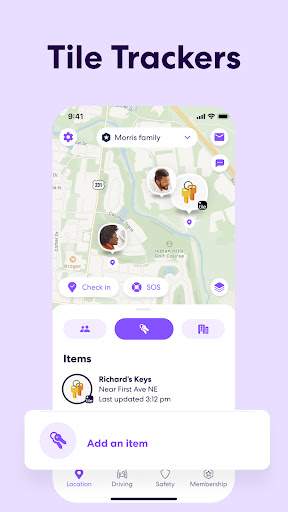
Life360 is a comprehensive location sharing app that allows you to stay connected with your loved ones in real-time. Whether you're coordinating plans with friends, keeping track of family members, or ensuring everyone's safety during an emergency, Life360 offers a variety of features to help you stay connected and informed.
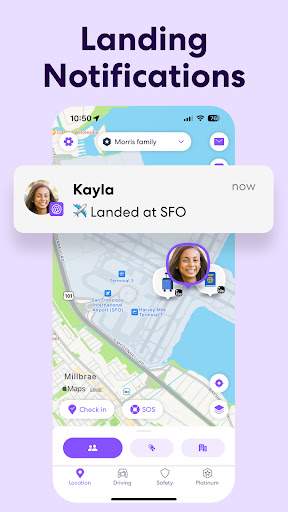
One of the key features of Life360 is its real-time location sharing capabilities. You can create private circles with your family and friends, allowing you to see each other's locations on a map in real-time. This is especially useful for coordinating meetups, tracking the whereabouts of family members, or simply ensuring everyone is safe and accounted for.
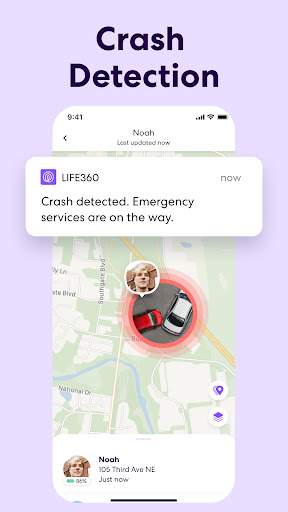
In addition to location sharing, Life360 also offers a range of safety features designed to give you peace of mind. For example, the app includes a "Check-In" feature that allows you to quickly let your circle know that you have arrived at a specific location safely. There is also a "Panic Alert" feature that can be activated in case of an emergency, sending an alert with your location to your circle members.
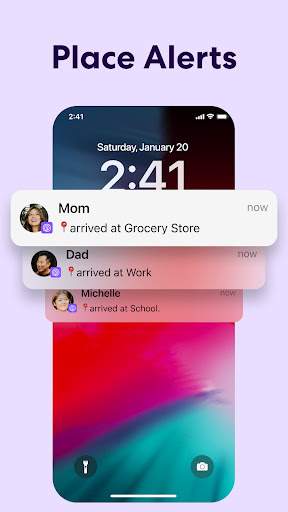
For parents, Life360 offers additional features to help keep track of their children's whereabouts and ensure their safety. The app includes a driving analysis feature that can provide insights into your teen's driving habits, such as speed, phone usage, and hard braking. Parents can also set up alerts for when their children arrive at or leave certain locations, providing added peace of mind.
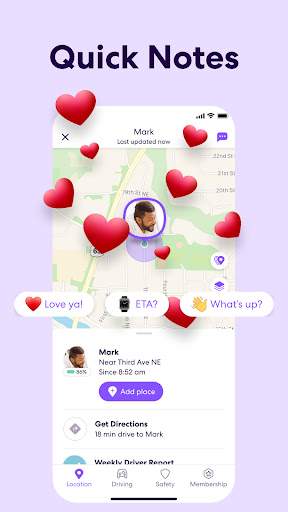
Beyond its safety features, Life360 also offers tools for coordinating and communicating with your circle members. You can create custom groups within your circle for specific events or activities, making it easy to share information and coordinate plans. The app also includes a chat feature, allowing you to communicate with your circle members directly within the app.
Overall, Life360 is a versatile app that offers a range of features to help you stay connected with your loved ones and ensure their safety. Whether you're coordinating plans, tracking family members, or responding to emergencies, Life360 provides the tools you need to stay connected and informed in real-time.
Download Life360 today and experience the peace of mind that comes with knowing your loved ones are safe and connected, no matter where they are.
Advertisement
System Compatibility
Life360 is compatible with most mobile devices and versions.
Download Life360 from the App Store for iOS devices or Google Play Store for Android devices.
Some older devices may not support all features of Life360. Check the app store for specific requirements.
Performance may vary based on device model and network connection.
Permission Access
Life360 requires access to location services, contacts, and notifications.
Location services are necessary for real-time location sharing. Contacts access allows you to connect with friends and family. Notifications keep you informed of location updates.
Update Content
Our latest update includes improved location accuracy, faster real-time updates, and a redesigned user interface.
We have also fixed bugs reported by users and added new features to enhance the user experience.
FAQ
How do I share my live location with friends and family on Life360?
You can share your live location with friends and family by using the Life360 app and selecting who you want to share your location with.
Can I track the live location of my family members on Life360?
Yes, you can track the live location of your family members on Life360 by adding them as 'circles' in the app.
Is my location information secure on Life360?
Yes, your location information is secure on Life360 as the app uses encryption to protect your data.
Can I see the location history of my family members on Life360?
Yes, you can see the location history of your family members on Life360 by checking the location timeline feature in the app.
How can I customize the location sharing settings on Life360?
You can customize the location sharing settings on Life360 by adjusting the location accuracy, frequency, and notifications in the app settings.